







50% OFF

Lifetime is half price this holiday.

00 days 00 hrs 00 min 00 sec

See the holiday sale

Batch watermark · ID watermark · Art frames

Make your photos look finished, faster

Watermark up to 100 photos at once on iPhone and iPad. Add text or logo watermarks, art frames, and color cards. Photos never leave your device.

  • 5.0 on the App Store · 4 ratings
  • iOS 17.1+ · iPhone · iPad
  • Photos never uploaded
  • No ads
Ferris wheel in a gallery frame on a light stone wallArt frame
Silhouette before magenta curtains beside a pink color cardColor Walk
Yellow tram on a Lisbon street beside a yellow color cardColor Walk
Overhead shot of people on a red field in a frame on a light stone wallArt frame
Sample photos from Unsplash

Color Walk

More on Color Walk

Batch watermark

Set the watermark once, apply it to the set

Text or logo, with adjustable position, size, opacity, font, and spacing. Pro handles up to 100 photos per batch, and templates save your setup for next time.

  • Text · Logo · Tiled
  • Up to 100 per batch
  • Reusable templates
More on Batch watermark
Editor with a STUDIO text watermark on a portrait

ID protection

Mark an ID before you send it

Cover ID card and passport photos with a tiled diagonal watermark that states their purpose. It spans the whole image, so cropping cannot remove it.

  • Horizontal · Diagonal
  • Purpose and date
  • Never uploaded
More on ID watermark
Sample ID card with a diagonal tiled watermark

Art frame

Give your best shot a wall

Add a frame, a matte, and a layout, then place it on a wall with lighting for a result that looks gallery-ready.

  • Frame · Matte
  • Wall · Lighting
  • Single photo
More on Art frame
Photo in a teal frame on a red wall

Photo Stories

Turn finished photos into a story

Pick a few finished photos in order, get a cover that blends their colors, and join them into one long image. Up to 18 photos per story.

  • Up to 18 photos
  • Automatic cover
  • Long image
More on Photo Stories
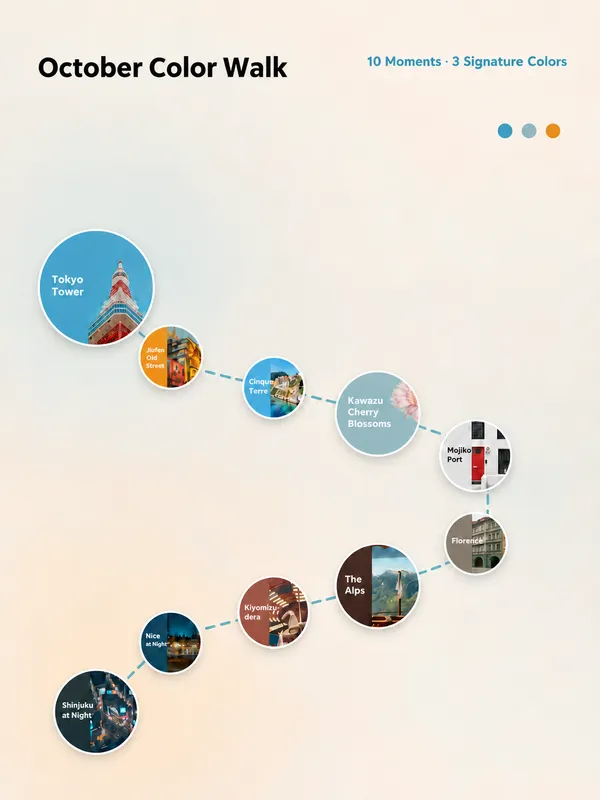
Photo Stories cover “October Color Walk”, ten photos along a curving route

Also in the app

  • Logo watermark on a night street photo

    Logo watermark

    Stamp your own logo on a whole set of product photos.

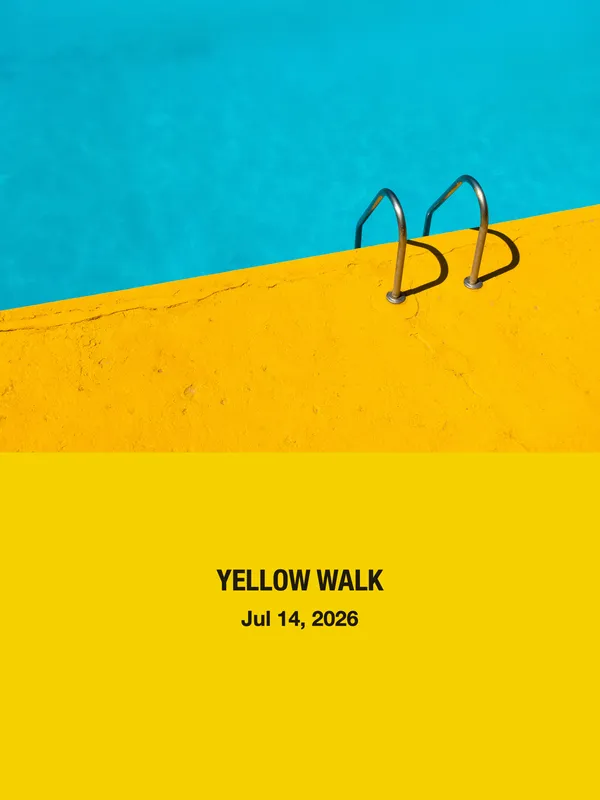
  • Color Walk

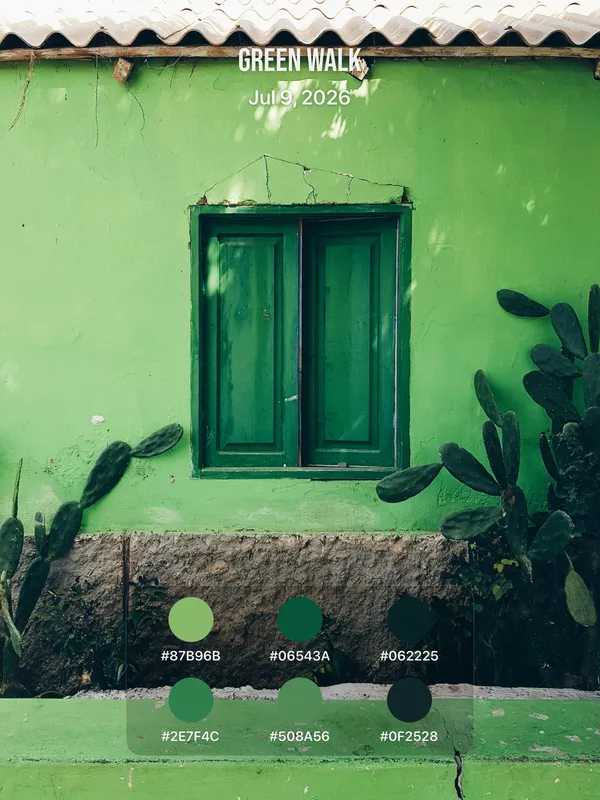
    Pull a palette from a photo and add the place and date.

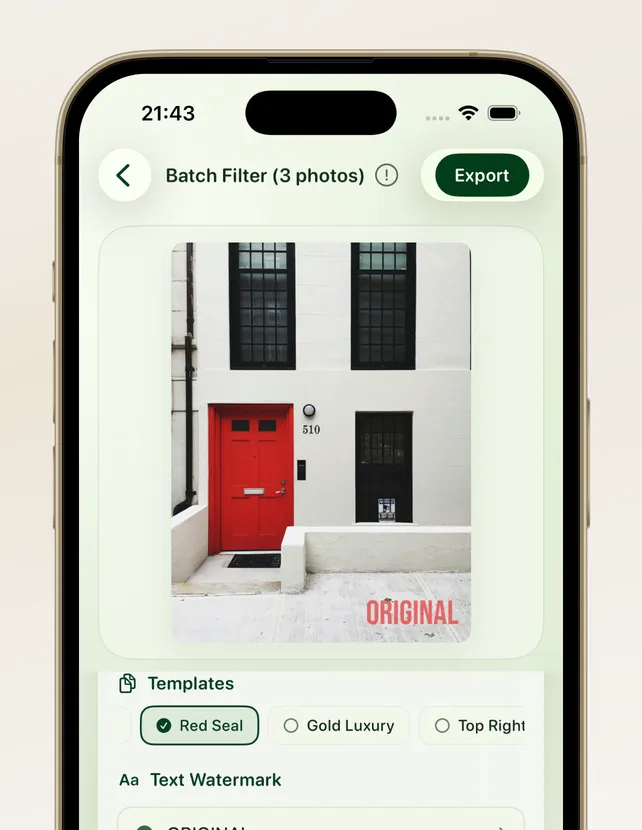
  • Batch filter editor

    Batch filters

    Apply one filter to the whole set for a consistent look.

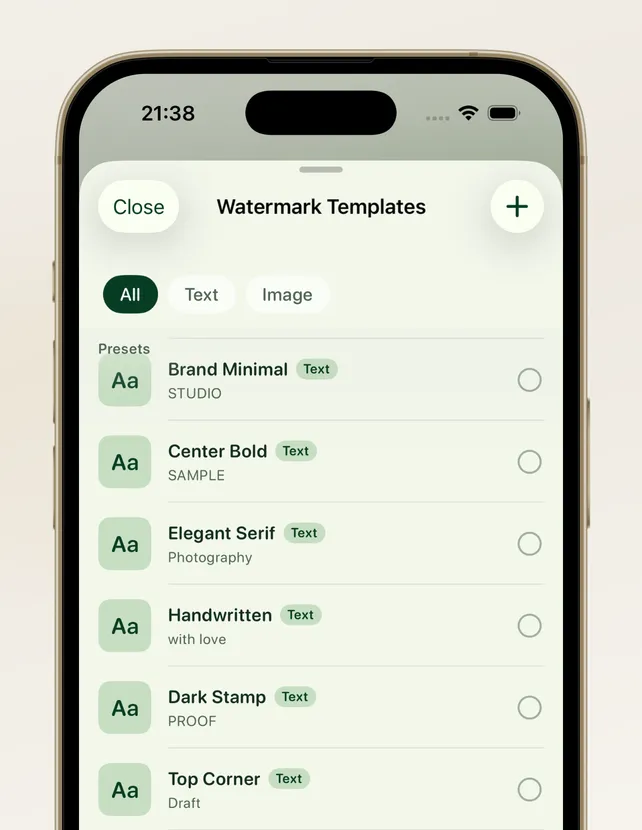
  • Watermark template list

    Templates

    Save watermarks you use often as templates.

Three steps for a whole set

  1. Select photos

    Choose a set from your library, up to 100 per batch with Pro.

  2. Add a style

    Set a watermark or filter once and apply it to the whole set.

  3. Export

    Export the set together instead of saving one by one.

Your photos stay on your phone

Editing and rendering happen on your device, and photos are not uploaded to BatchMark. IDs and client proofs you would rather not share are safe to process.

  • On-device editing
  • No photo uploads
  • No ads
Editor processing photos offline

Questions

Are my photos uploaded?

No. Editing and rendering happen on your device, and photos are not uploaded to BatchMark. There are no ads.

How many photos can I process at once?

BatchMark Pro processes up to 100 photos per batch.

Which watermarks are supported?

Text, logo, and tiled anti-theft watermarks, with adjustable position, size, opacity, font, and spacing. Settings you use often can be saved as templates.

How much does it cost?

BatchMark is free to download, with weekly, monthly, and annual subscriptions and a lifetime purchase. In the US the ordinary prices are $0.99 a week, $3.99 a month, $39.99 a year, and $79.99 for Lifetime. From November 15 through December 25, 2026, Lifetime is half price, $39.99 instead of $79.99. From November 20, 2026 through January 1, 2027, Annual is $19.99 for the first year and renews at $39.99 a year. Weekly and monthly plans stay at their usual prices. The purchase screen shows the current price for your region.

Which devices are supported?

iPhone and iPad running iOS 17.1 or iPadOS 17.1 or later.

How do I cancel a subscription?

Open Settings on your iPhone, tap your Apple Account, then Subscriptions, and choose BatchMark. Cancel at least 24 hours before the current period ends to avoid renewal.

Make your next photos look finished, faster

Free to download for iPhone and iPad.

Download on the App Store